OpenCode Setup Guide
Connect OpenCode to the Coding Flow platform through a configuration file, and quickly set up Claude, GPT, and Gemini models.
Before you begin, complete the Node.js Environment Installation Guide.
Prerequisites
- A valid API Key (e.g.
sk-******) - An accessible service address (Base URL) (usually provided by your deployment/gateway)
Common service Endpoint for This Site
Install OpenCode
Run the following command in your terminal to download and install the latest version of OpenCode from the official npm registry.
npm install -g opencode-aiVerify the installation
After the installation is complete, run the following command. If a version number is displayed, the installation was successful.
opencode -vConfigure OpenCode
Create and open the opencode.json configuration file:
Windows:
C:\Users\<your-username>\.config\opencode\opencode.json

macOS:
/Users/<your-username>/.config/opencode/opencode.json

Linux:
/home/<your-username>/.config/opencode/opencode.jsonWrite the following configuration into the file. Key settings:
baseURL:https://api.codingflow.ai/v1apiKey: ReplaceYOUR_API_KEYwith yourCoding FlowAPI key
After saving the configuration file, exit and restart OpenCode for the new settings to take effect.
{
  "$schema": "https://opencode.ai/config.json",
  "provider": {
    "openai": {
      "name": "codingflow",
      "options": {
        "baseURL": "https://api.codingflow.ai/v1",
        "apiKey": "YOUR_API_KEY"
      },
      "models": {
        "gpt-5.3-codex": {
          "name": "GPT-5.3 Codex",
          "limit": {
            "context": 400000,
            "output": 128000
          },
          "options": {
            "store": false
          },
          "variants": {
            "low": {},
            "medium": {},
            "high": {},
            "xhigh": {}
          }
        }
      }
    }
  }
}Get Started
Run the following command in your terminal to enter OpenCode.
opencode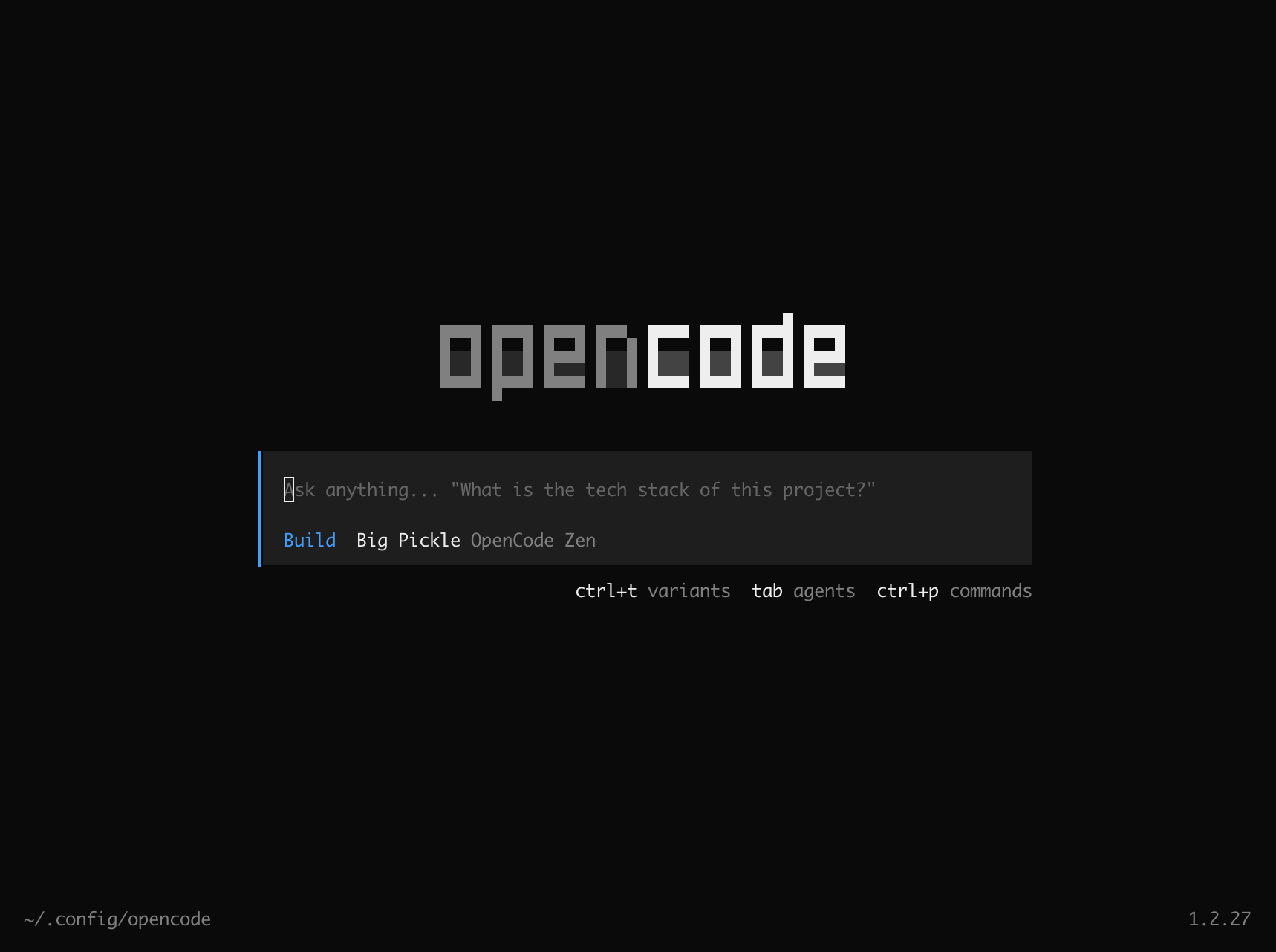
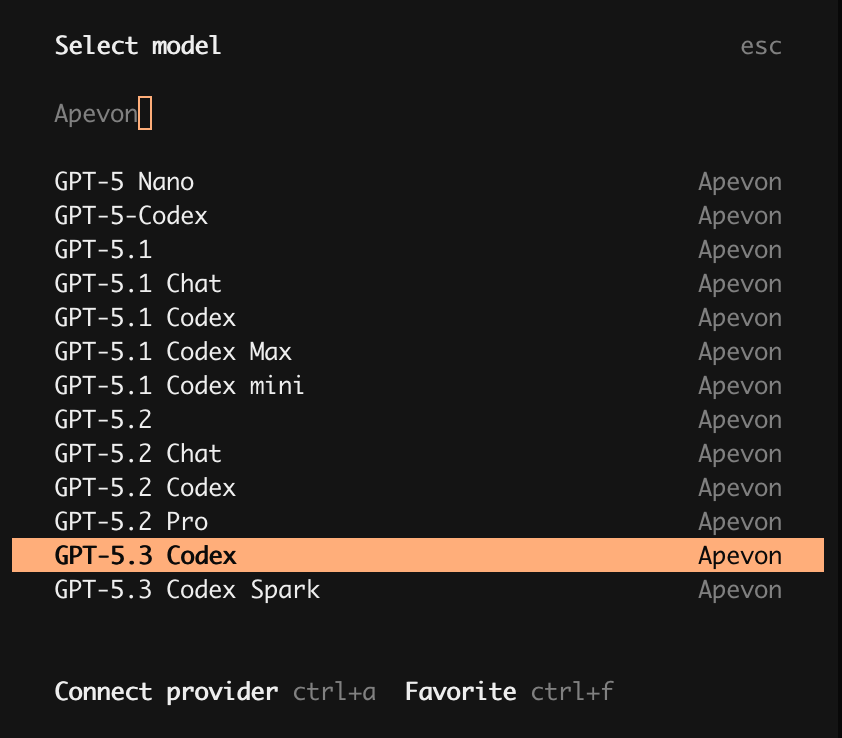
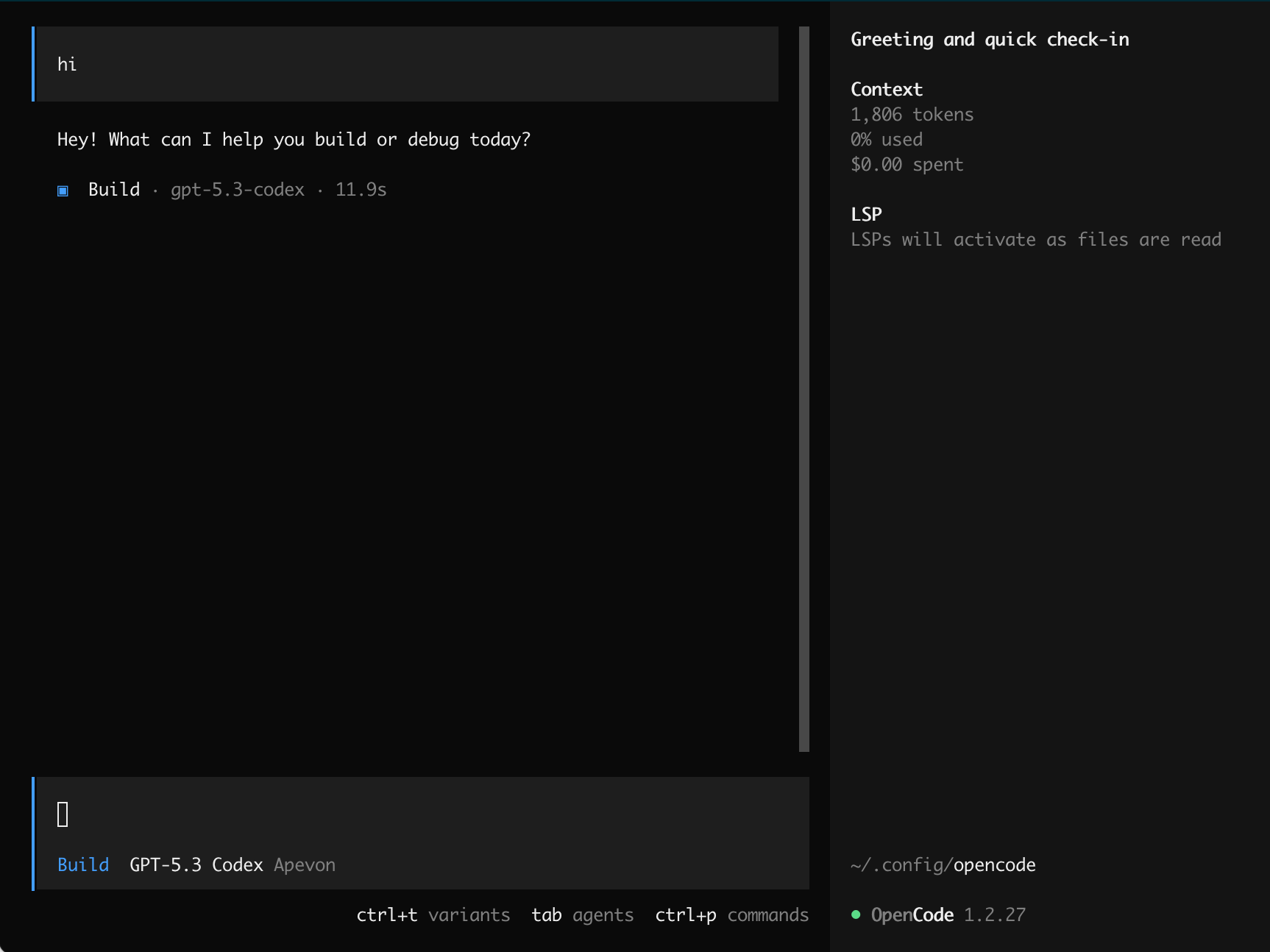
Type /models in the command line, search for Coding Flow, then select a model to start using it.